You took 600 photos in Italy. That was two years ago. They are still in your camera roll, mixed in with grocery lists, screenshots, and 47 near-identical shots of the Colosseum. The memories are there — you just cannot find them.
"I have 12,000 photos on my phone. I can never find the one I'm looking for. I kept meaning to sort them and now it feels impossible to start."
This is one of the most common things people say about their phones. It is not about being disorganized — it is about how phones are designed. They dump every photo into one endless scroll with no structure and no names.
PictureNamer does not ask you to sort 12,000 old photos. It just asks you to start the next trip organized. From that point forward, every memory has a home.
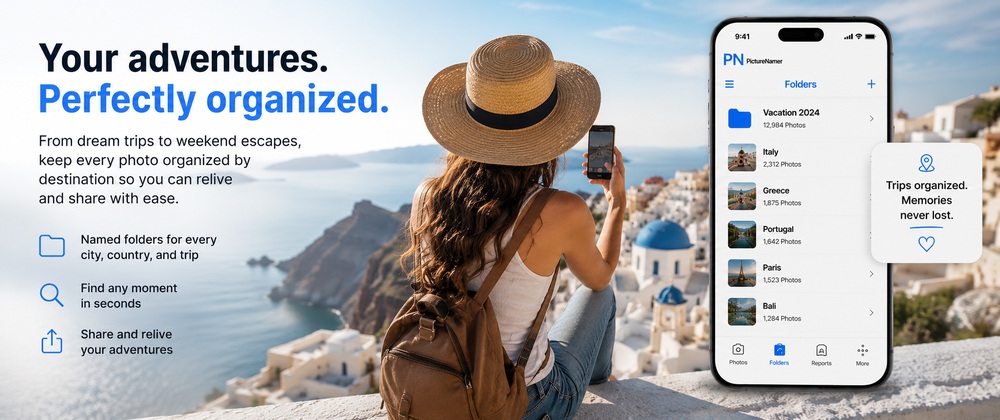
On the plane or in the airport, tap New Photo Session and name it "Portugal June 2026" or "Hike — Blue Mountain". When you start shooting, every photo goes straight in.
Create a folder for each city, each day, or each experience. "Lisbon Day 1 — Belem", "Porto — Ribeira District", "Sintra Palaces". Searchable forever, organized from the start.
Use the duplicate finder to quickly remove the 8 nearly-identical shots of the sunset and keep the best one. Stay lean without losing anything important.
Tap share on any folder and send a clean collection to the people who were there — or those who wish they were. No scrolling through 600 photos. Just the good ones, organized.
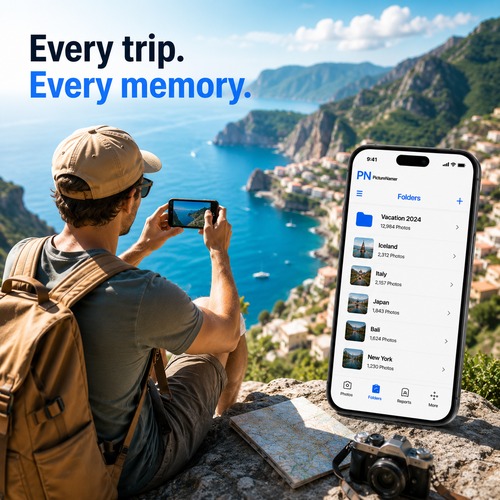
Start a named folder for every trip, event, or milestone before the first photo.
Replace timestamps with real names — "colosseum-sunset", "kids-first-snow", "wedding-ceremony-vows".
Clear burst shots and near-identical takes without reviewing every single photo manually.
Keep personal photos completely separate from work — your own private gallery within PictureNamer.
PIN-protect personal or private photos so they never appear in your regular gallery.
Create a beautiful shareable PDF of any trip or event. A memory book, generated in minutes.
Free to download. No credit card. 14-day Pro trial included.