Contractors, inspectors, and trades professionals take hundreds of photos a week. Most end up buried in a camera roll with no labels, no context, and no easy way to find them when a client asks a question three weeks later.
You finish a job. You have 47 photos on your phone. You know some are from the Smith job, some are from the Henderson job, and a few are from a quote you did on Tuesday. But which are which? You spend 20 minutes sorting them out, rename nothing, and eventually just send the whole folder hoping the client figures it out.
That is time you are not billing for. And it makes you look less professional than the work you actually did.
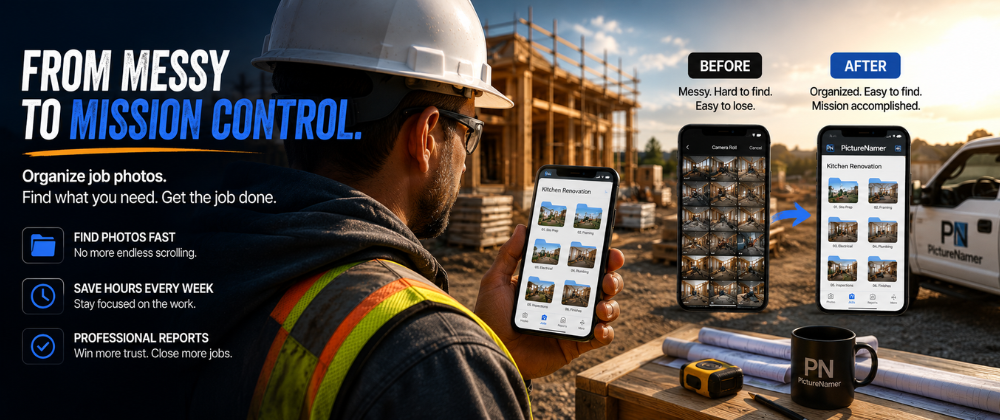
From the moment you arrive on site to the moment you send the invoice — organized.
Tap New Photo Session, name it after the job or client, and your camera opens automatically. Every photo you take goes directly into that folder. No sorting later.
Rename photos right after you take them while context is fresh — "front-door-damage", "meter-panel-before", "completed-deck-northwest-corner". Searchable forever.
Use Image Tags to stamp visible text directly onto the photo — address, date, job number, or your company name. The tag stays with the image even when shared.
Open the job folder, tap the report icon, add a title and any notes, and export a clean PDF with all your photos, captions, and reference numbers. Ready to email before you leave the driveway.
Send the PDF by email or share individual photos with metadata stripped — no location data, no EXIF, just the image. Clean and professional.

Create a job folder before shooting. Name it "Smith Bathroom Reno" or "Quote — 44 Maple". Every photo lands in the right place.
Turn any job folder into a PDF with titles, descriptions, and image captions. Share it with the client as proof of work.
Stamp job numbers, addresses, or company names visibly onto photos. Context that stays with the image no matter where it goes.
Blockchain-backed proof of when and where a photo was taken. Useful for insurance claims and dispute resolution.
Keep sensitive client photos in a PIN-protected folder that doesn't appear in your regular gallery.
Add your company logo or copyright to photos before sharing. Batch-apply to an entire job folder at once.
Free to download. No credit card. 14-day Pro trial included.