You shoot three properties in one afternoon. By the time you get back to the office, you have 130 photos and no quick way to tell which belong to 44 Maple, which are from the Miller inspection, and which you took for your own reference.
Real estate professionals take more photos than almost anyone. Listings, open houses, staging walkthroughs, pre-inspection visits, renovation progress, and comparative market photos all end up in the same camera roll. It is not laziness — it is just how phones work by default. And the default is chaos.
Sending the wrong photo to the wrong client is embarrassing. Losing renovation progress shots before closing is worse. PictureNamer gives each property its own folder from the first photo.
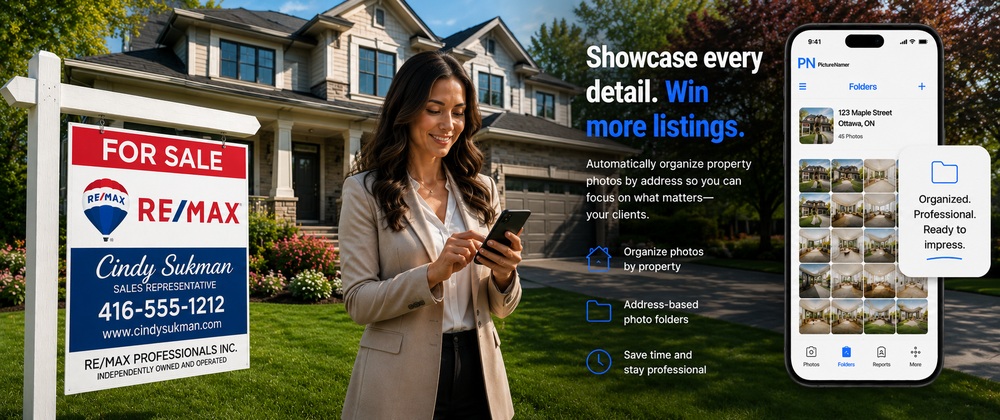
In the car outside the listing, tap New Photo Session and name it the property address. Every photo you take goes straight in. Even if you shoot three properties in a row, nothing gets mixed.
Rename shots right after capture — "kitchen-north", "master-ensuite", "backyard-pool". When you are uploading to MLS at 9pm, everything is already labeled.
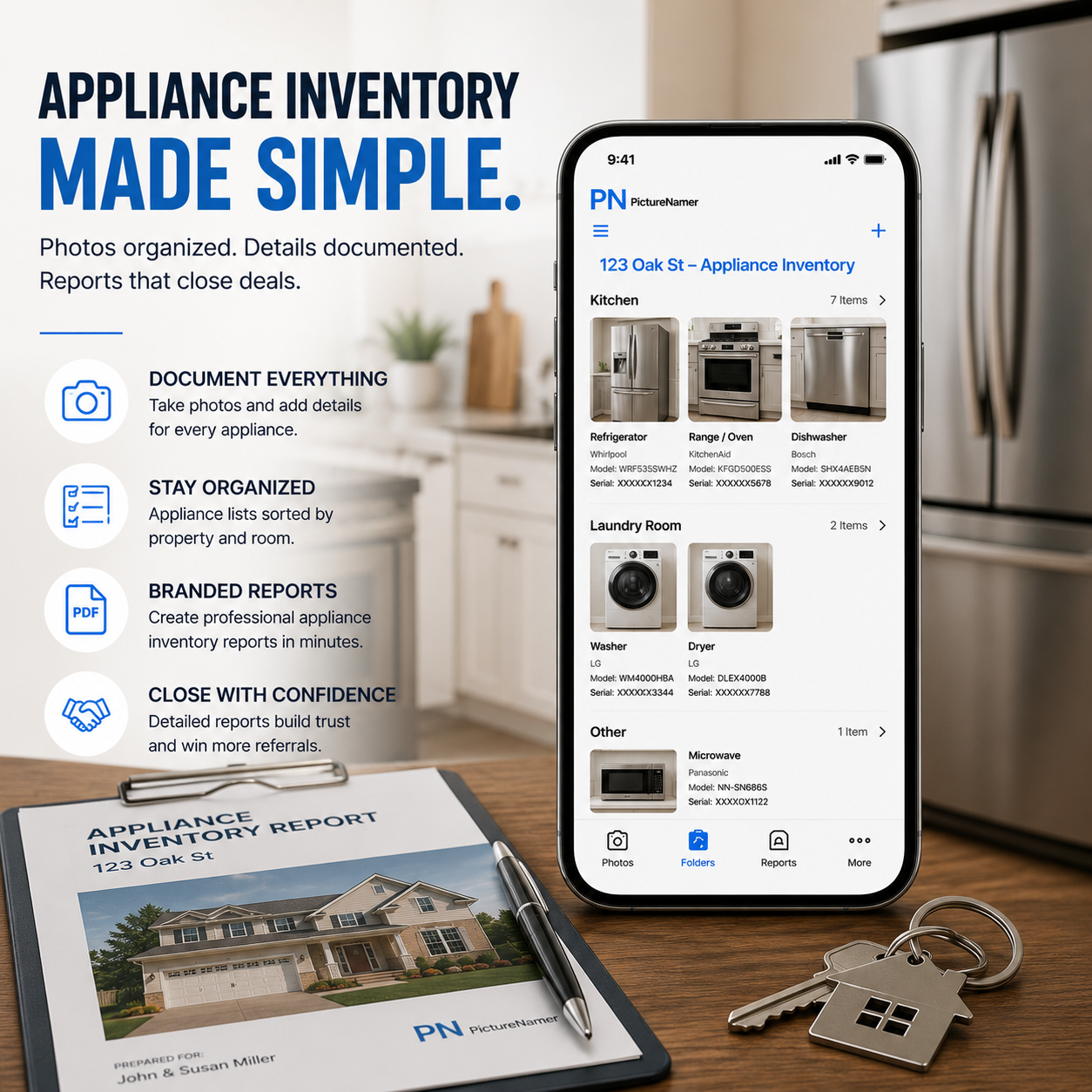
For buyer presentations or renovation updates, turn any folder into a PDF with photo titles and notes. A professional leave-behind that took two minutes to create.
Use the sharing optimizer to strip EXIF location data before sending listing photos externally. Professional and private.
One tap creates a named property folder. Shoot multiple listings in one day with zero mixing.
Replace camera file names with room names and descriptions. MLS-ready without extra software.
PDF walkthrough reports for buyers, renovation updates for sellers, or inspection summaries for clients.
Stamp property addresses, agent names, or MLS numbers directly onto photos before sharing.
Add your agency logo or agent name to listing photos. Batch-apply to the whole folder at once.
Shoot freely, then clear near-identical burst shots before uploading. Keep only the best.
Free to download. No credit card. 14-day Pro trial included.