Insurance claims, legal disputes, property damage records, incident documentation — these situations require photos that are organized, labeled, tamper-evident, and backed by a verifiable chain of custody. A screenshot from a camera roll does not cut it.
The question in any dispute is always the same: Can you prove this photo was taken at this location, on this date, and that it has not been altered since? Without the right tools, the honest answer is usually no.
Insurance adjusters, property managers, legal support professionals, and anyone who documents conditions for a living face the same problem: photos need context that survives the sharing process. Metadata gets stripped. File names get changed. Images get resaved. By the time a photo reaches a claims desk or a courtroom, the original chain of evidence is gone.

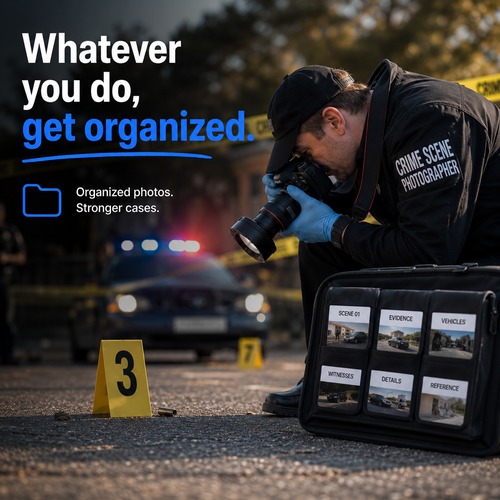
Before taking a single photo, create a folder named after the incident, property, or claim number. Every photo you take is automatically filed and never gets mixed with anything else.
Rename images while you are still on site — "water-damage-ceiling-northwest", "burst-pipe-basement-main", "foundation-crack-east-wall". Specific names that will make sense in a claim three months later.
Use Image Tags to burn an address, claim number, or company identifier directly onto the photo. This context stays with the image even after metadata is stripped during sharing.
EverStamp creates a blockchain fingerprint of the image at the moment of stamping — a permanent, verifiable record that this image existed in this exact state at this exact time. Anyone can verify it later.
Turn the incident folder into a structured PDF with photo titles, descriptions, and reference numbers. Attach it to a claim, send it to a legal team, or file it for your records.
Blockchain-backed proof of photo authenticity, date, and state. Tamper-evident from the moment of capture.
Burn visible identifiers — addresses, claim numbers, dates — directly onto the image. Context that cannot be stripped.
Structured PDF reports with labeled photos, descriptions, and reference numbers. Submission-ready in minutes.
Each incident gets its own named folder from the first photo. Clean chain of custody from capture to submission.
Replace camera timestamps with descriptive labels that will still make sense months later in a claim review.
Keep sensitive incident photos in a PIN-protected folder that does not appear in your regular photo library.
Free to download. No credit card. 14-day Pro trial included.