You shoot constantly. Product shoots, brand collabs, behind-the-scenes, lifestyle content, travel. But finding last month's shoot when a brand asks for a re-run? That is 40 minutes of scrolling you should not have to do.
The average creator shoots hundreds of photos a week across multiple campaigns, platforms, and clients. They all land in the same camera roll, filed under timestamps no one remembers. The more you create, the harder everything becomes to find, reuse, or hand off.
Brands expect fast turnaround on deliverables. Your camera roll is not a filing system. PictureNamer is.
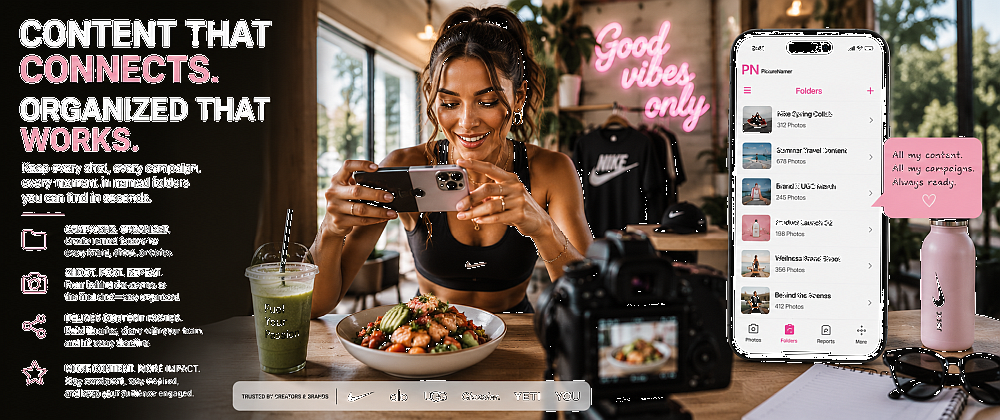
Create a session named after the brand, campaign, or platform — "Nike May Collab", "Summer Reels", "UGC Batch 3". Every shot lands in the right place from the first click.
Use the perceptual duplicate finder to clear near-identical burst shots while the shoot is still fresh. Keep your 5 hero images, delete the 40 variations.
Apply a text or logo watermark to the entire folder with one tap. Every asset that leaves your library carries your name — whether it ends up in a mood board, a deck, or somewhere you never approved.
Embed searchable keywords, descriptions, and campaign tags directly into image metadata. Social platforms and device search pick these up — making your content more discoverable.
Share a full folder of finalized, watermarked, tagged content directly from the app. No desktop required. No back and forth on which version is final.

Named campaign folders from the first shot. Never sort after the fact again.
Protect assets with your logo or name. Batch-apply to a full campaign folder in one tap.
Clear burst shots and near-identical takes. Keep storage lean and your library clean.
Embed campaign names, hashtags, and descriptions into image files. Searchable and SEO-friendly.
Blockchain proof of ownership for original content. Useful for copyright disputes and licensing.
Keep embargoed content or unannounced brand collabs in a PIN-protected private folder.
Free to download. No credit card. 14-day Pro trial included.