You photograph your work constantly — finished pieces, works in progress, reference shots, proofs for clients. But that archive grows fast, and without structure it becomes a graveyard. Great work gets lost. Stolen work goes unchallenged. The evolution of your practice becomes invisible even to you.
Artists and designers share work constantly — Instagram, client decks, mood boards, portfolio submissions. Every time an image leaves your phone without watermarking or metadata, you lose a layer of protection and attribution. And when someone uses your work without permission, proving ownership of an unprotected file is harder than it should be.
PictureNamer helps you build an archive that is organized, protected, searchable, and attributed — from the day you start using it.
Name folders by collection, client, or medium — "Coastal Paintings 2026", "Brand Work — Heller Agency", "Ceramic Studies Spring". Your archive has structure from day one.
Create subfolders for WIP shots, proof rounds, and finished pieces. You can show a client the progression, pull the final for a portfolio submission, or find that one detail shot from the third session.
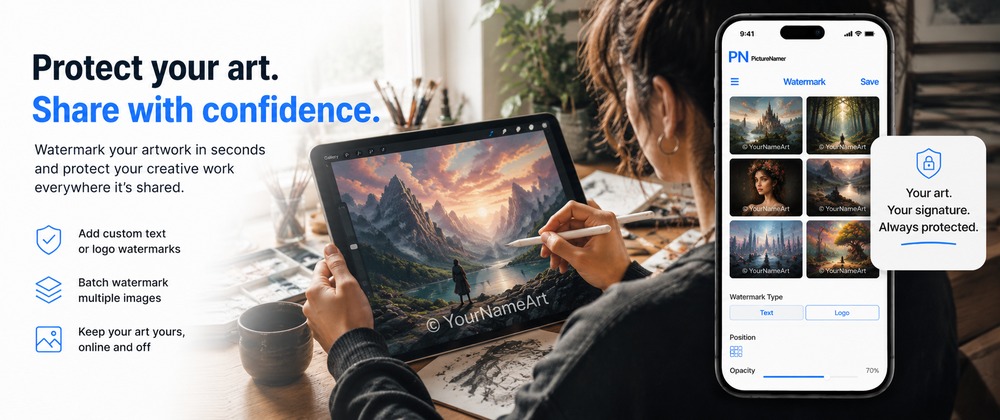
Add your signature, logo, or copyright line to images before sharing to Instagram, sending to a client, or submitting to a gallery call. Batch-apply to an entire folder at once.
Apply a blockchain fingerprint to finished pieces the day you photograph them. If your work is ever used without permission, you have cryptographic proof of when it existed and in what form.
Use Photo Reports to turn any project folder into a clean PDF with piece titles, dimensions, materials, and descriptions. Send it to a gallery, a client, or a grant committee without opening a laptop.
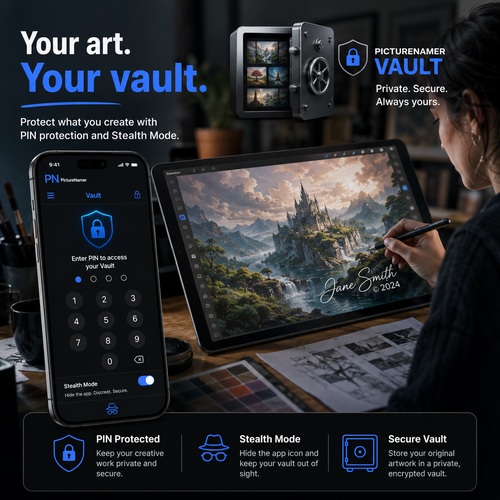
Add signature, logo, or copyright to every image before it leaves your phone. Batch-apply to full project folders.
Blockchain proof of creation date and authenticity. The digital equivalent of a dated wax seal on your original work.
Generate portfolio PDFs with piece titles, notes, and descriptions. Ready for gallery submissions or client presentations.
Organize by project, series, client, or medium. WIP, proofs, and finals stay in separate named folders.
Embed title, medium, dimensions, and year into image files. Your work carries its own documentation.
Keep unreleased work, embargoed commissions, or private studies in a PIN-protected folder.
Free to download. No credit card. 14-day Pro trial included.